KEEP THE CUSTOMER RELATIONSHIP IN VIEW
The right follow-up at the right time.
A customer reply, an undecided quote and a contract deadline call for different actions. Prosio uses recorded context to help the salesperson prepare the next step.
No account needed · Fictional demo data
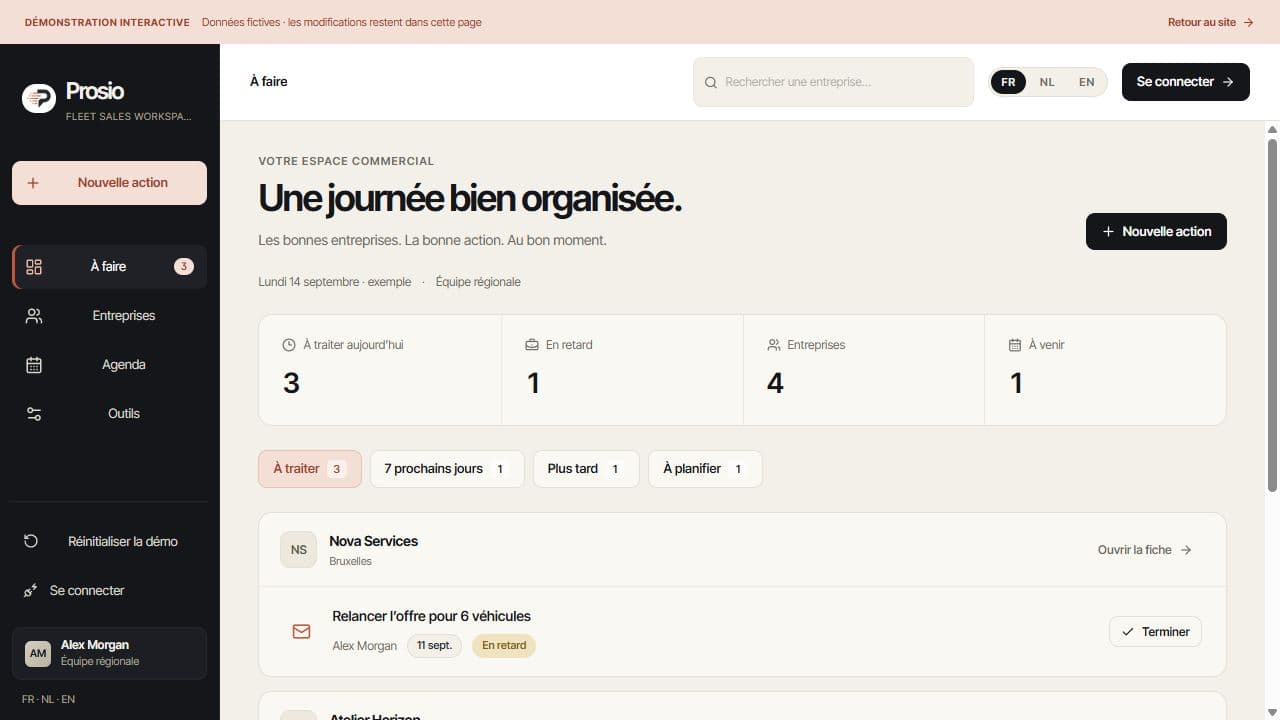
Handle a reply with its context.
Messages recorded in the account and saved quotes inform the same follow-up. An exact quote reference helps link a reply to the right proposal; ambiguous references need review.
- Preserve the existing customer relationship when a new deal starts.
- Open the message behind the suggested action.
- Have the salesperson review uncertain interpretations.
Prepare for known contract renewals.
A recorded contract end date and preparation window can inform follow-up. An expired deadline remains relevant until the account has been handled.
- Record a known contract date and its source.
- Prepare a conversation around a relevant deadline.
- Check the customer’s current needs.
Reconnect with previous customers.
Dated purchases without an ongoing deal can highlight customers to contact again. A suggested follow-up is different from an automatically sent message.
- Review previous purchases and conversations.
- Check that another action is not already planned.
- Review the recipient and message before sending.
Your practical questions.
Does a large fleet always mean higher priority?
Fleet size indicates potential, not an order. A recent request, open quotes and deadlines provide the context for deciding what to do next.
Does Prosio automatically know every contract end date?
No. Dates must come from known information. An unknown date should not be presented as a certain prediction.
Are follow-up emails sent automatically?
A suggestion or draft is not a send. The approval process and messaging service must be configured; the preparation workflow lets you review the recipient and content.
See how it works.
Explore accounts and next actions with fictional data, then prepare your pilot with us.